Before you begin
Games require Schedule access. The result and completion controls also depend on game status and timing.
Steps
-
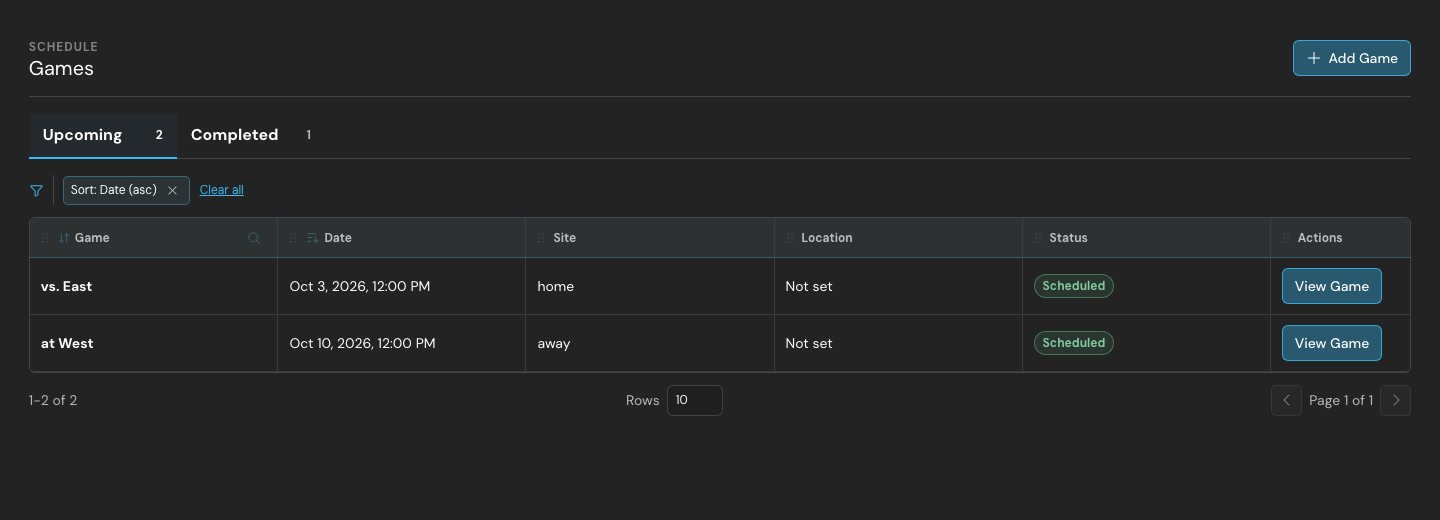
Open Schedule → Games and review the Upcoming and Completed views. Use Add Game to create a game.
-
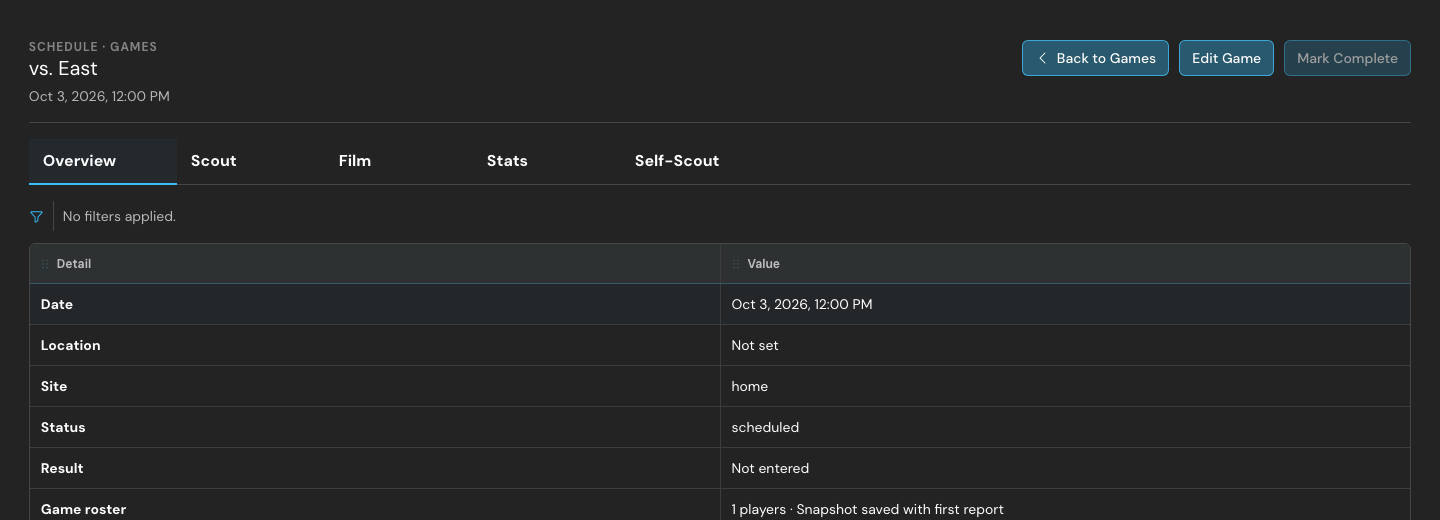
Choose View Game to open its details. Review the opponent, start time, and home/away information.
-
When the game is eligible, use Mark Complete or Enter Result as appropriate. Enter the scores and save.
-
Return to the completed list and open Stats, Self-Scout, or Film for post-game work.
What to expect
The game’s status and score are recorded with its post-game reports.
Troubleshooting
Completion controls are intentionally disabled before the allowed game time. If another coach saved first, reload the latest report and reconcile your changes rather than repeatedly submitting an old copy.
Product view
Related guides
Game detail